



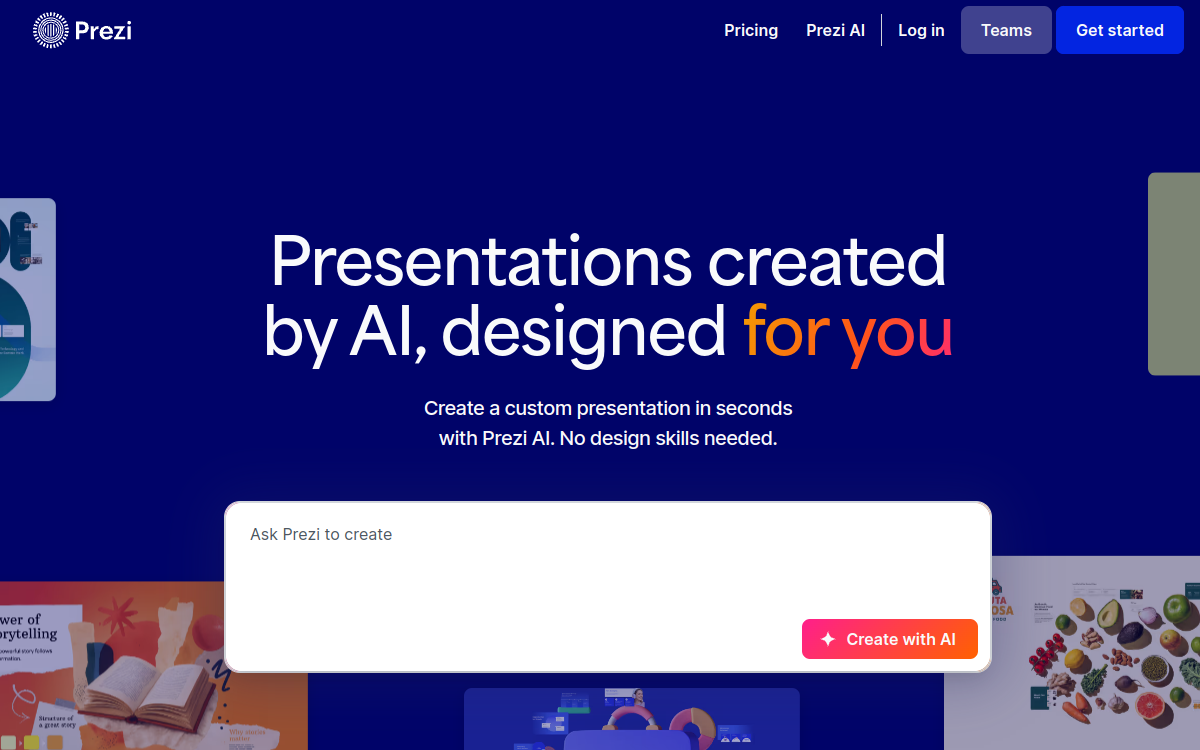
Prezi AI is Prezi’s AI presentation generator that creates dynamic, structured and engaging slides in seconds. From a topic, file (PDF, DOCX, PPTX) or brief, the tool proposes a plan, visuals, zooming transitions and AI-generated images. Suited to training, marketing, sales or education, Prezi AI allows users without design skills to produce a immersive presentation that stands out.
What is Prezi AI?
The essentials
Prezi AI is the artificial intelligence extension of Prezi, a presentation platform used by over 160 million people worldwide. The tool automatically generates dynamic presentations by leveraging Prezi’s unique format: a zooming view that moves through a mind map rather than a succession of static slides. Prezi AI accepts a theme, brief, or PDF, DOCX, or PPTX file as input, then proposes a plan, layouts, visuals and refined text. The platform targets professionals who present regularly (salespeople, trainers, marketers) as well as students and researchers.
Key features
Prezi AI automatically generates the presentation structure from a brief, proposes a layout suited to each section and completes with images from a library of over 150 million visuals. The platform includes a real-time writing assistant that proposes shortening, expanding or simplifying text. Prezi AI can also generate custom images to illustrate a concept. The zooming format automatically transforms content into flowcharts, visual lists or stories, bringing a different dynamic than a classic presentation. The tool supports imports of existing documents (PDF, DOCX, PPTX) that it transforms into Prezi presentations. Offline mode, available on higher plans, allows presenting without a connection.
Use cases
Prezi AI is used by internal training teams to create engaging training sessions. Sales teams use it to transform their pitches into memorable presentations. Marketers prepare strategic presentations or campaign reviews. Students and researchers make it an asset for their presentations and defenses. Consultants deliver animated visual reports to their clients. Start-ups use it for investor pitches. The tool is particularly suited to contexts where retention and attention are critical, such as large group presentations or conferences.
Advantages
The main benefit is time savings: an entire presentation can be generated in minutes from a brief, versus several hours with a traditional tool. The second benefit is consistency: the AI layer harmonizes typography, palette and narrative structure. The third benefit is engagement: the zooming format is proven to better engage audiences than static slides. The fourth benefit is accessibility: no design skills needed to produce a professional result. Finally, the integration of a library of 150 million visuals and custom image generation avoids tedious searches.
Pricing
Prezi offers five plans. Basic is free with 500 AI credits and public presentations. Standard at $7 per month adds privacy. Plus at $15 includes unlimited AI credits, offline mode, PDF export, presentation recording and branding. Premium at $25 adds analytics and advanced training. Teams at $39 per user targets organizations with collaboration, brand kits and SSO. Education plans are also available for teachers and students. A 14-day free trial lets you test each paid plan.
Conclusion
Prezi AI capitalizes on Prezi’s unique zooming format to produce presentations that stand out. The AI layer radically simplifies creation and allows non-designers to deliver engaging results in minutes. For those seeking to impress their audience rather than suffer the classic slide format, Prezi AI is a relevant and differentiating option for daily use.