



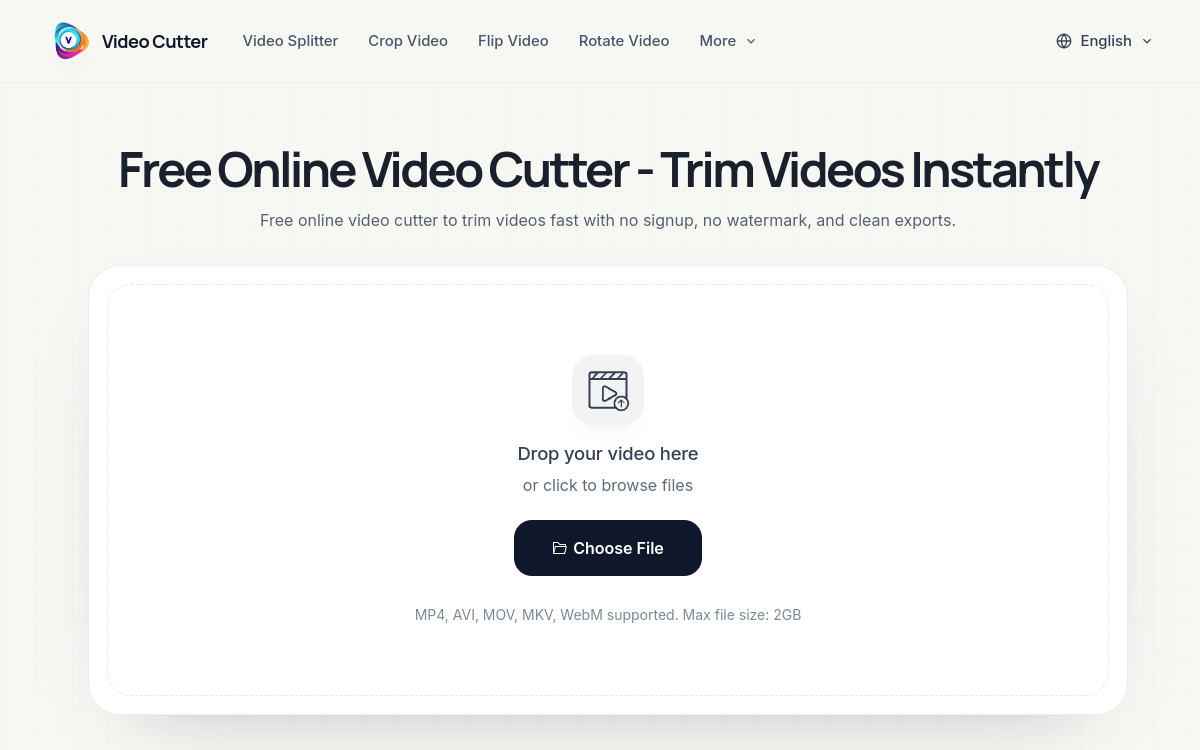
Video Cutter is an online tool to cut and trim videos instantly from your browser. It supports the formats MP4, AVI, MOV, MKV, and WebM and offers imports from Google Drive, Dropbox, or via URL. With no registration, no intrusive ads, and 100% free, it also offers a set of complementary tools: MKV Cutter, Video Splitter, YouTube Cutter, Flip, Rotate, and Crop Video. Perfect for content creators who produce high volumes for TikTok, Instagram Reels, or YouTube Shorts.
What is Video Cutter?
The essentials
Video Cutter is a web service specialized in cutting and trimming videos. The user uploads a file (drag-and-drop or via Google Drive, Dropbox, or URL), sets the bounds of the segment to keep, and exports. Beyond the main trimmer, the ecosystem includes several complementary tools accessible from the same interface: MKV Cutter, Video Splitter, YouTube Cutter, Flip Video, Rotate Video, and Crop Video. Everything works in the browser, with no software installation needed.
Key features
The heart of Video Cutter is the simple and fast video trimmer. The user sets the start and end points on an accessible timeline and exports the desired segment. The complementary tools cover other common needs: MKV Cutter for the MKV format that is often resistant to web tools, Video Splitter to cut a long video into multiple pieces, YouTube Cutter to prepare a clip from a YouTube URL, Flip Video for a mirror effect, Rotate Video to correct orientation, and Crop Video to adjust framing. Supported formats include MP4, AVI, MOV, MKV, and WebM, which represent nearly all files used daily. Imports from Google Drive, Dropbox, or via URL speed up the workflow for creators who don’t have the file locally. Exports are ad-free, watermark-free, and require no registration, in line with the service’s main promise.
Use cases
Video Cutter is perfectly suited for short-form content creators. A community manager cuts a source video into multiple Instagram Reels or YouTube Shorts in minutes. A YouTuber trims the intro of their video before export. A merchant prepares a product teaser for TikTok. A teacher extracts a relevant passage from a recorded lesson. A parent cuts the first few seconds of a family video. A journalist isolates a key excerpt from a long interview. The promise is always the same: go fast, without registration rituals or advertising interruptions.
Advantages
The main benefit is speed: a simple trim takes less than a minute, which changes the daily economics of a creator. The second is the complete absence of friction: no registration, no ads, no watermark. The third is format coverage: MP4, AVI, MOV, MKV, WebM. The fourth is the ecosystem: the suite of complementary tools allows you to chain multiple basic operations without switching services. The last is the cost: completely free.
Pricing
Video Cutter is a completely free service. The homepage doesn’t mention a paid plan, making it an ideal tool for both regular use and occasional needs. More advanced features (full timeline, effects, AI) are not offered: the service takes on its philosophy of being a focused tool.
Conclusion
Video Cutter is one of those nice and effective tools you quickly adopt when producing video content for social networks. Its simplicity and complete free nature make it a reference to recommend.