


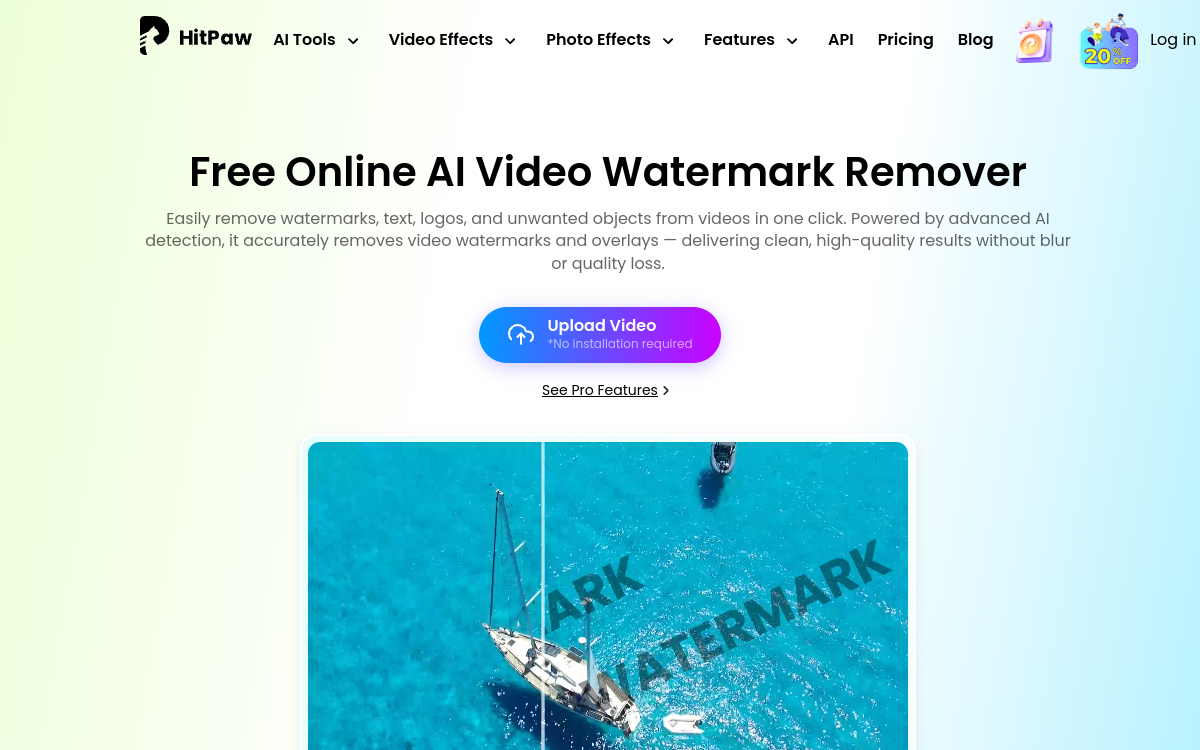
HitPaw Watermark Remover is an online tool that uses AI to erase watermarks, logos, dates, subtitles or unwanted objects from a video. It offers several modes (smooth, retouch, edge) to adapt to the complexity of the area to remove. No installation: everything happens in the browser, with HD export and compatibility with MP4, MOV, AVI or WebM. Ideal for content creators, video agencies and marketers who need to recycle assets.
What is HitPaw Watermark Remover?
The essentials
HitPaw Watermark Remover online is a web service that detects the area selected by the user to erase, analyzes surrounding pixels and reconstructs the background thanks to inpainting models. It is part of the larger HitPaw suite that covers video enhancement, AI generation, noise removal and photo retouching. Everything works in the browser: simply upload the video, draw the area and click to export.
Key features
The tool offers several modes to handle different use cases. Smooth mode is fast and ideal for simple backgrounds like a course video. Edge mode handles areas with marked contours better. Retouch mode adapts to moving scenes. Beyond watermarks, you can erase dates, embedded subtitles, stickers, or even people when movement allows. Supported formats cover MP4, MOV, AVI, MKV and WebM. Export is in HD, without visible bands in most cases. The service also offers a broader suite of HitPaw tools (AI Video Enhancer, AI Image Generator, Background Remover, AI Photo Enhancer, etc.) accessible from the same interface.
Use cases
HitPaw is heavily used by YouTube creators who reuse tagged sequences and want to clean them before publishing. Marketers use it to erase a placeholder logo or timecode from a client video. Teachers clean tutorial excerpts before sharing them. Small video agencies use it for quick tasks where opening an After Effects project would be disproportionate. Individuals use it occasionally, for example to erase a date from a family video or an unwanted subtitle from a personal film.
Advantages
The main benefit is speed: what would take 30 minutes in a VFX suite happens here in seconds. The second is accessibility: no installation, no software to buy, just a browser. The third is quality: for the majority of cases, the HD export is clean enough for online use. Finally, the HitPaw ecosystem allows you to chain multiple treatments (enhance quality after removal, for example) from the same platform.
Pricing
The tool offers free usage with limitations on duration, size and a HitPaw watermark added to export. For regular use, paid subscriptions unlock watermark-free export, longer durations, more files and access to the complete HitPaw suite of tools. Prices vary depending on commitment length and option chosen (monthly, annual, lifetime).
Conclusion
HitPaw Watermark Remover online checks almost all the boxes for anyone wanting to clean up a video quickly, without installing software and without VFX expertise. It’s an excellent choice for content creators, small teams and occasional uses.