



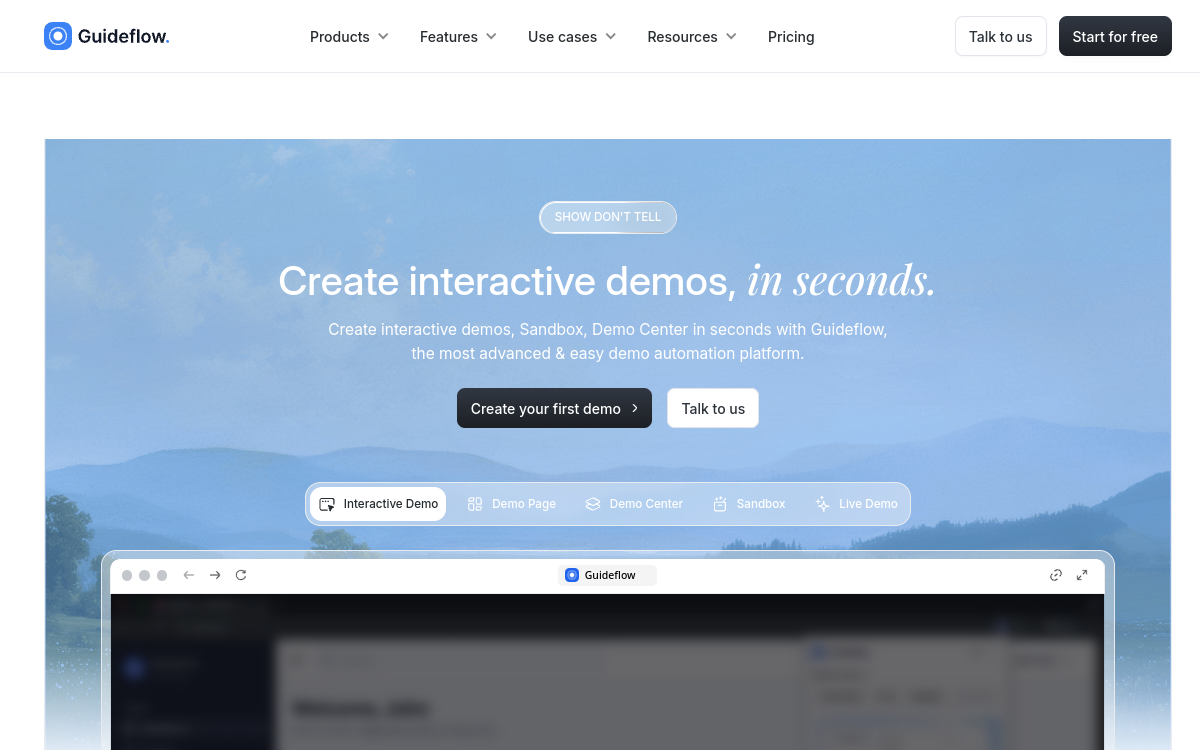
Guideflow is a interactive demos platform designed for sales, marketing, and onboarding teams. Via its Chrome extension, capture your product in screenshot or HTML mode to get a clickable demo without any technical skill. Customize each step with tooltips, calls-to-action, and branching logic. Integrated AI generates steps automatically, proposes translations, and adds voiceovers. Real-time analytics reveal how each prospect interacts with your demo to optimize conversions.
What is Guideflow?
The essentials
Guideflow is a SaaS platform specializing in creating interactive product demos. Its principle is based on a Chrome extension that captures each step of navigation in a product, then automatically generates a clickable demo that you can customize. Unlike a fixed video, a Guideflow demo allows the prospect to click, explore, and progress at their own pace. The platform primarily addresses SaaS teams, digital agencies, and onboarding teams wishing to transform their product presentations into engaging experiences without going through a developer.
Key features
The Chrome extension captures product flows in screenshot or HTML mode. The integrated editor enriches each step with tooltips, annotations, calls-to-action, and non-linear branching logic. AI automates several tasks: automatic step generation, synchronized voiceover creation, and multilingual translations. Dynamic personalization allows you to adapt a demo’s content to the name, logo, or specific prospect data. Demos can be shared via secure link, embedded via iframe, or sent in outreach sequences. The analytics module provides precise behavioral data: completion rate per step, friction points, time spent, and behavioral segments, allowing you to continuously optimize each demo.
Use cases
Sales teams use Guideflow to send personalized demos before a discovery call, reducing the number of meetings needed before purchase decision. Marketing teams integrate it on product pages or in email campaigns to increase conversion rate. Onboarding teams create interactive step-by-step guides to accompany new users in product learning. Support teams produce visual tutorials to answer frequently asked questions without writing long help articles.
Advantages
Guideflow significantly reduces demo production time: where a professional video can take several days, an interactive demo is ready in under an hour. Dynamic personalization increases the feeling of attention paid to each prospect, which improves response and engagement rates. Integrated analytics offer unique visibility into prospect behavior, transforming each demo into a source of sales data. Finally, the no-code nature makes teams autonomous, without dependence on developers or video production agencies.
Pricing
Guideflow offers several pricing plans suited to different team sizes. A free plan with limited features is available to test the platform. Paid plans start at 35$/month and include a larger number of demos, advanced customization features, and analytics access. Enterprise plans with multi-team management and advanced CRM integrations are available upon quote. A discount is generally offered for annual subscriptions.
Conclusion
Guideflow addresses any team wishing to modernize how it presents its product. With quick onboarding, powerful AI features, and a differentiating analytics module, it’s a tool that delivers concrete return on investment within the first few weeks of use for performance-oriented sales and marketing teams.