


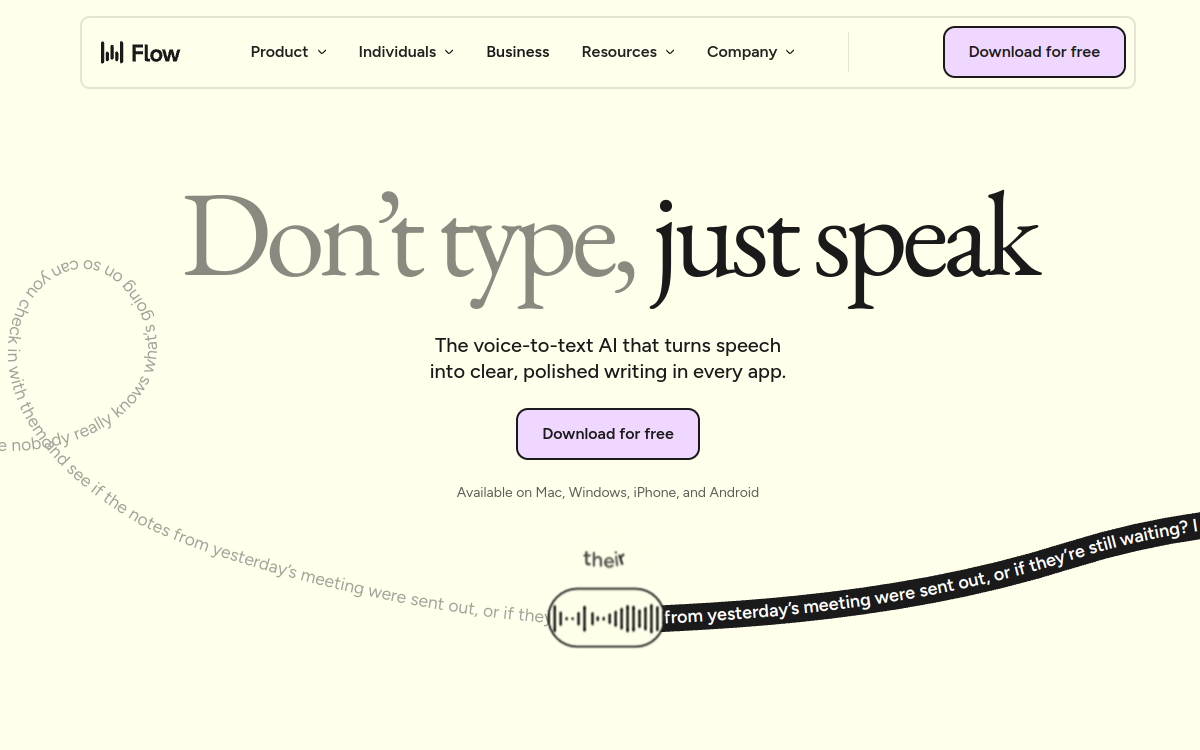
Wispr Flow is an AI dictation assistant that converts speech into polished and contextual text across all macOS, Windows, and iPhone applications. Its tone adaptation by application technology automatically adjusts the register based on context: formal for a professional email, casual for a Slack message. It removes filler words, adds punctuation, and learns your industry terms and proper nouns. With support for more than 100 languages, a personal dictionary and a library of reusable voice snippets, Wispr Flow reaches up to 220 words per minute for maximum writing productivity.
What is Wispr Flow?
The essentials
Wispr Flow is a cross-platform AI dictation assistant. It integrates into all work environments (email, documents, IDE, browsers, chat applications) and converts speech into formatted text directly into the active field. The AI engine analyzes the context of the current application to automatically adapt the tone, correct grammar, remove hesitations, and structure the text. It continuously learns user preferences, particularly through a personal dictionary of industry terms and a library of voice snippets for frequent formulations.
Key features
Wispr Flow offers a set of features focused on writing productivity. Tone adaptation by application is the flagship feature: the tool automatically detects the active environment and calibrates the register accordingly. Automatic correction removes filler words, adds punctuation, and reformulates sentences for immediately publishable results. The personal dictionary remembers industry terms, proper nouns, acronyms, and specific expressions for increasing accuracy over time. The voice snippets library allows you to create voice shortcuts for frequent formulations. Support for more than 100 languages with automatic detection eliminates any configuration. On paid plans, Command Mode allows you to edit, reformulate, or reorganize text via voice commands directly in the active application.
Use cases
Wispr Flow is aimed at all professionals for whom writing is a central activity. Managers and executives use it to dictate emails and reports without spending their typing time. Developers dictate code comments, documentation, and commit messages directly in their IDE. Consultants write reports and business proposals by voice while traveling. Customer support teams manage tickets and responses by dictation, increasing their processing speed. People suffering from upper limb musculoskeletal disorders find in Wispr Flow an ergonomic alternative to the keyboard.
Advantages
Wispr Flow frees up typing time in favor of faster and more natural communication. Reaching 220 words per minute typically represents 3 to 4 times the average typing speed, which translates directly into measurable productivity gains. Contextual tone adaptation eliminates the need for proofreading and reformulation, reducing the total time to produce a message. Continuous vocabulary learning improves transcription accuracy over time. Multilingual support facilitates work for international teams.
Pricing
Wispr Flow offers three plans. The free Basic plan includes 2,000 words per week, with no credit card required. The $15/month Pro plan (or $144/year, i.e., $12/month) offers unlimited dictation, voice editing Command Mode, and all advanced features. A free 14-day trial of the Pro plan is available for new accounts without a credit card. The Team plan is billed at $12/user/month (or $10 annually) with team management features. An Enterprise plan is available on request for organizations requiring advanced IT control, compliance, and enhanced security.
Conclusion
Wispr Flow reinvents dictation by bringing contextual intelligence absent from traditional dictation tools. For professionals who spend hours writing, the $15/month investment pays for itself in the first weeks. Its universality — all apps, all platforms, 100+ languages — makes it a productivity tool that can be adopted without friction, regardless of your work environment.