


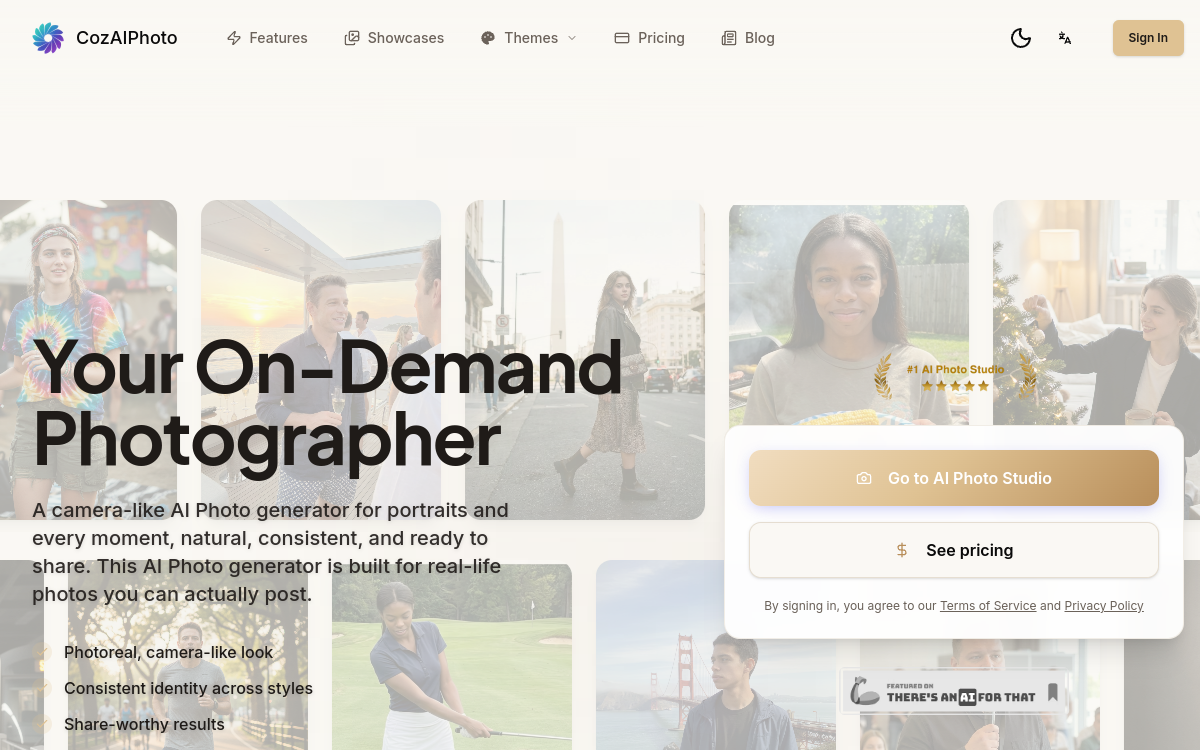
CozAIPhoto is a portrait and headshot generator via image generation: you import a few photos and get professional renders (background, lighting, clothing, styles). The tool applies automatic retouching to enhance sharpness and studio appearance, useful for LinkedIn, CV or team pages. A simple no-code workflow to quickly produce consistent visuals without a photographer or manual retouching.
What is CozAIPhoto?
The essentials
CozAIPhoto is a tool for generating portraits and headshots from user photos. You import several images, then the platform creates professional renders by playing with elements typical of a photo shoot: lighting, background, framing, clothing and overall style.The principle is to get a photo usable for professional purposes, without manual retouching and without technical skills. The tool generally offers several variations so you can choose the render that suits you best.CozAIPhoto is aimed at professionals, freelancers, job candidates and small teams. It can be used to update a profile photo, create homogeneous portraits for a company page, or quickly test visual styles before committing to a direction.
Key features
The core feature is headshot generation from a set of imported photos. The tool creates multiple proposals and variations, with renders ranging from classic corporate to more creative styles.CozAIPhoto also includes automatic retouching aimed at improving sharpness and consistency: background correction, lighting enhancement, render harmonization. This allows you to produce more “studio” photos without using retouching software.For team use, the benefit is harmonization: same background, same style, consistency of portraits on an “About” or “Team” page. Finally, the simplicity of the workflow allows you to get results quickly: import, generation, selection, download.As with any AI headshot tool, the best results are obtained with varied, sharp and well-lit source photos to avoid approximations on details.
Use cases
The most common use case is updating a LinkedIn or CV photo. In just a few minutes, you get more professional portraits than selfies and adapted to corporate standards.Freelancers can use it to strengthen credibility on a website, portfolio or sales page. SMEs and startups find an economical solution to create consistent team portraits without organizing a photo session.CozAIPhoto can also be used to test styles: choose a more sober, more creative or more institutional atmosphere depending on the sector. Finally, it’s useful for profiles that frequently change their image (creators, consultants) and want to renew their visuals without logistical constraints.
Advantages
The main benefit is speed. CozAIPhoto drastically reduces the time between idea and a usable portrait: no appointments, no equipment, no manual retouching.The second benefit is consistency. By generating controlled variations, the tool helps achieve more homogeneous renders, particularly interesting for team pages.Finally, it improves professional presentation at lower cost. For many uses (LinkedIn profile, CV, “Team” page), a good quality AI headshot is more than sufficient.However, consider the tool as an accelerator: quality depends on input photos, and manual selection remains necessary to avoid artifacts or unnatural expressions.
Pricing
CozAIPhoto generally offers subscription or package pricing, with an entry point around $12 per month and a trial option. The model may vary depending on the number of generations, resolution and included styles.The subscription becomes interesting if you need multiple iterations, or if you want to produce portraits for several employees. For one-off use, it may be more relevant to test the trial and then choose a minimal package.Before paying, it is recommended to test the tool with good quality photos to evaluate the naturalness of the render and generation ability on details like hair, glasses or accessories.
Conclusion
CozAIPhoto is a simple solution for quickly generating professional headshots. It works very well for standard uses: LinkedIn, CV, portfolio or team page, with a smooth workflow and style variations.Like all AI portrait generators, you must be demanding about source photo quality and accept a selection phase. For a premium custom corporate render, a photographer remains the best option, but for a quick alternative, CozAIPhoto delivers good time/effort value.