


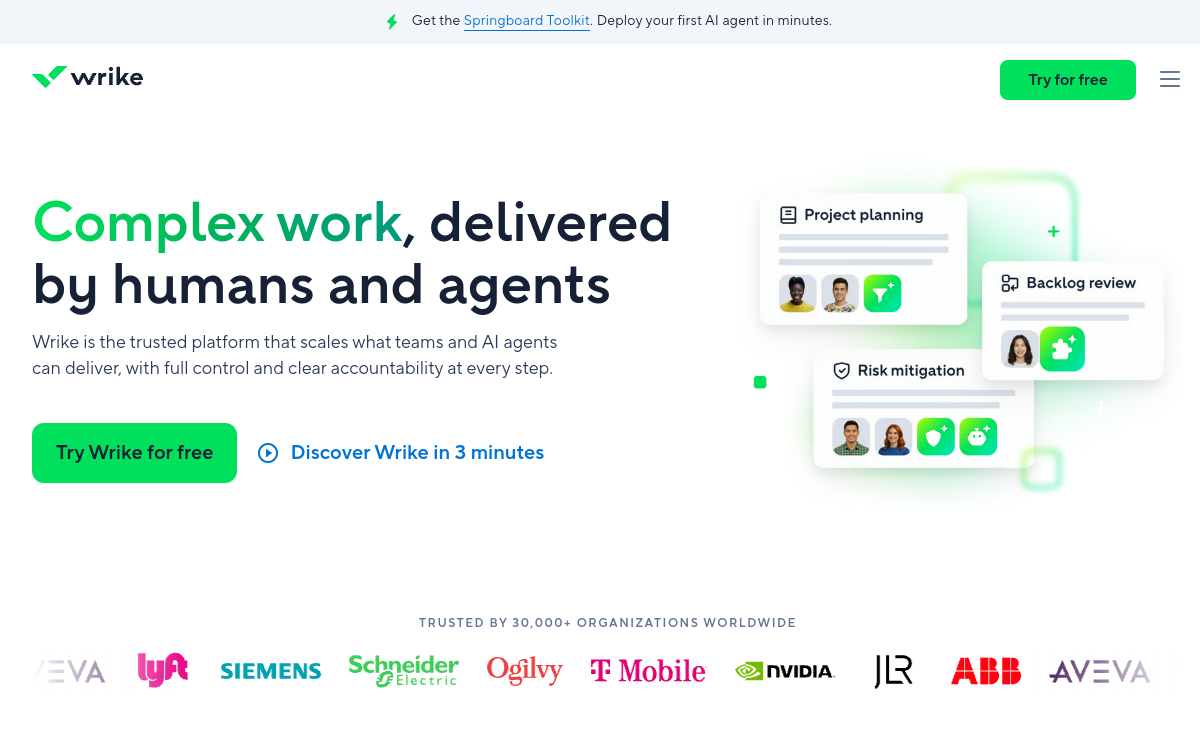
Wrike is a project and task management platform designed for teams wanting to centralize planning, collaboration and monitoring. It combines custom workflows, automation, request forms and dashboards, with AI assistant capabilities (summaries, prioritization, writing help) to reduce manual work and secure progress.
What is Wrike?
The essentials
Wrike is project and collaboration management software that centralizes tasks, projects, documents, comments and reporting. The tool offers structured workspaces (projects, folders, statuses), views adapted to different profiles (list, board, calendar, Gantt) and governance mechanisms (roles, permissions, approvals).The main interest is transforming informal processes into controlled operational flows. Wrike lets you create request forms (briefs, tickets, internal requests), automatically route work to the right teams and track progress with indicators. AI capabilities supplement this foundation by helping synthesize information and accelerate certain daily management actions.
Key features
Wrike stands out through the depth of workflow configuration. You can define statuses, custom fields, automation rules and approval circuits to reflect your actual processes. Request forms structure work input: a marketing brief, a creation request, or an ops ticket can automatically create tasks, assign owners and set deadlines.On the control side, Wrike offers dashboards and reporting to track workload, progress, bottlenecks and performance. Multiple views (Kanban-style board, Gantt, calendar, list) facilitate adoption by different roles. Integrations (and the API) help connect Wrike to the company ecosystem.Finally, AI functions improve coordination productivity: summarize exchanges, clarify tasks, suggest wording, and support prioritization. Depending on the plan and settings, these aids reduce time spent “managing management” and free time for execution.
Use cases
Wrike is particularly suited to organizations that need to industrialize production. In marketing, it manages campaigns, content and approvals (brief, creation, review, approval, publication). In agencies, it helps track deliverables, client collaboration and feedback. In operations and internal services, it structures incoming requests with forms, SLAs and progress tracking.Product and project teams use it to coordinate multiple work streams, manage dependencies and planning, and make progress visible to stakeholders. Dashboards provide quick reading of risks and delays.Finally, in a growth context, Wrike becomes a process repository: you standardize, measure, improve. AI is useful when information multiplies, synthesizing updates and accelerating task formatting and status reports.
Advantages
The first benefit of Wrike is visibility: everyone knows what to do, by when, and where the work stands. This transparency reduces follow-ups, synchronization meetings and information loss. The second benefit is standardization: well-designed workflows and forms make processes more reliable, prevent oversights and improve quality.Wrike also saves time through automation: assignments, status changes, notifications and routing can be triggered automatically. Reporting helps drive performance and detect blockers.Finally, AI brings practical value to coordination: summarize, clarify and accelerate project element writing, so the team spends less time organizing and more time producing.
Pricing
Wrike generally offers a free tier and paid plans per user, with a step-up in features (automation, security, advanced reporting, governance and enterprise capabilities). A free trial is often offered to evaluate key functions in real situations.The right plan mostly depends on your process maturity level and reporting requirements. For a team wanting to simply manage tasks, an entry plan may suffice. To standardize complex flows (forms, approvals, automation, reporting), it’s common to move to a higher plan.Before purchasing, it’s recommended to define 2-3 priority workflows, measure time saved, and evaluate total cost per seat depending on active user count.
Conclusion
Wrike is a productivity tool oriented toward “structured execution”: it excels when managing multiple projects, formalizing processes and driving progress with indicators. Its strength is the combination of workflows + automation + reporting, enhanced by useful AI functions for coordination.It does require minimal framing: without configuration and clear rules, you won’t exploit its potential. For multi-role teams, agencies or PMOs, Wrike is an excellent candidate. For very simple needs, lighter solutions can be more cost-effective.