



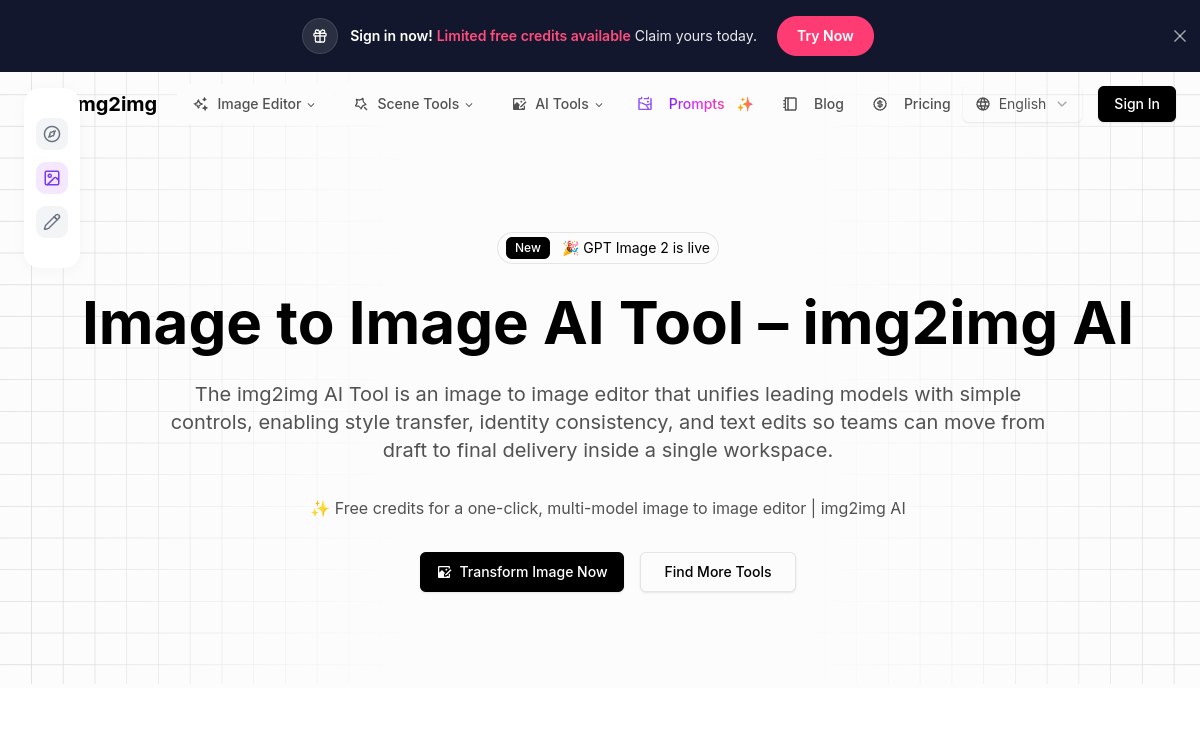
img2img AI is a platform specializing in image-to-image generation. It allows you to modify visual style, improve resolution, remove backgrounds or create creative variations from an existing image. Accessible online and without installation, the tool is aimed at creators wishing to harness the power of AI for image editing and creative exploration, without advanced technical skills.
What is img2img AI?
The essentials
img2img AI is an online image-to-image transformation tool based on AI models dedicated to image generation and modification. Unlike purely text-to-image generators, it relies on a source image provided by the user to produce visual variations. The tool thus allows you to modify graphic style, improve resolution, remove or replace backgrounds and make rapid creative adjustments. Designed to be used directly from a browser, img2img AI is aimed at a wide audience, ranging from amateur creators to professionals seeking a complementary tool for their visual projects.
Key features
img2img AI offers a set of features centered on visual transformation. The user can import an image and apply predefined styles to generate coherent artistic variations. The tool also integrates editing functions like upscaling to improve image resolution and sharpness. Background removal or modification is part of common uses, facilitating the creation of ready-to-use visuals for web or social networks. The interface is intentionally streamlined to reduce the learning curve and allow immediate adoption. This simplicity encourages rapid experimentation, although it limits the level of advanced control for expert users.
Use cases
img2img AI can be used in many creative contexts. Designers use it to quickly test graphic styles based on an existing concept. Marketing teams use it to adapt visuals to different supports or campaign variations. Content creators can improve image quality or produce visual variations without completely redesigning. Finally, the tool is also relevant for artistic experimentation, allowing you to explore varied visual renderings from the same source image.
Advantages
The main advantage of img2img AI lies in its simplicity and accessibility. In just a few clicks, users can transform an image without complex software. This speed saves time during ideation or visual prototyping phases. The tool also facilitates creative exploration by offering immediate results, conducive to inspiration. Finally, its online access eliminates installation constraints and makes it usable from any work environment.
Pricing
img2img AI offers a free version allowing you to test the main features with certain usage limitations. Paid formulas may be offered to lift these restrictions, offer greater generation volume or improve output quality. This approach allows users to discover the tool before committing financially, while offering options suited to more regular or professional needs.
Conclusion
img2img AI emerges as an accessible and effective image-to-image tool for exploring the possibilities of visual transformation by AI. It will be particularly suitable for creators and teams wishing to quickly generate image variations or improve existing visuals without technical complexity. While it has certain limitations for expert use, it remains a relevant solution for experimentation, rapid creation and occasional creative needs.