



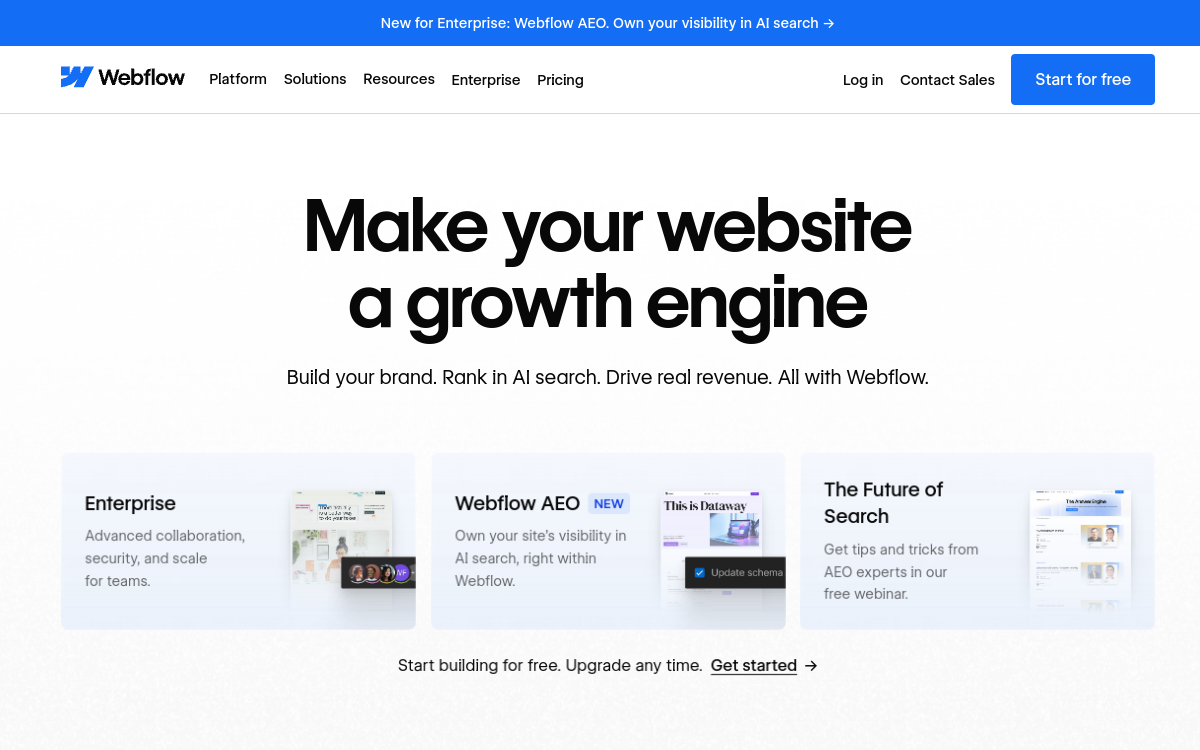
Webflow allows you to design, publish and manage websites without coding, with CMS, components and native performance. Its Webflow AI module adds an AI assistant in the editor: section generation, structure help, SEO content and optimization recommendations. Ideal for launching landing pages, iterating on design and improving conversion, while maintaining fine-grained control.
What is Webflow?
The essentials
Webflow is a website creation platform that combines an advanced visual editor, a content management system (CMS) and managed hosting. Rather than working with themes and plugins like a traditional CMS, Webflow offers an environment where you build layouts and components very precisely, while keeping logic accessible to non-developers.The platform serves both to create landing pages and corporate sites, blogs, content sites or complex marketing sites. The CMS allows you to manage collections (articles, pages, profiles, resources) and generate dynamic pages.Webflow AI adds integrated assistance: generation and improvement of sections, contextualized help, content creation and optimization recommendations. The goal is to accelerate production while maintaining a design-first workflow, focused on rapid publishing and performance.
Key features
Advanced visual editor: precise control of layouts, responsiveness, styles and interactions, with logic similar to modern CSS.Native CMS: collection management, custom fields, dynamic templates, and large-scale content publishing (blog, resources, product pages).Webflow AI: assistance in the editor to generate coherent sections, suggest content, guide construction and accelerate repetitive tasks.Built-in SEO: customization of titles and meta descriptions, redirect management, sitemaps, page structure and technical optimization.Managed hosting: performance, one-click publishing, domain connection and simplified operational management.Optimization and conversion: testing possibilities, rapid iteration and continuous improvement based on selected modules and plans.Ecosystem: templates, reusable components, integrations and workflows adapted to marketing teams and agencies.
Use cases
Landing pages and campaigns: rapidly create and iterate on acquisition pages, with quick production and variants.Marketing and corporate sites: build a high-performing brand website, with strong identity, animations and refined experience.Blogs and content hubs: publish a blog, resource library or dynamic pages through the CMS, with controlled SEO structure.Multi-team sites: enable a marketing team to produce and publish without constantly depending on developers.High-fidelity prototyping: create a prototype very close to final rendering, useful for validating a design before deployment.Internationalization: test language versions and adapt content based on localization strategy (depending on options).
Advantages
Speed and autonomy: publish faster and reduce back-and-forth between marketing, design and development.Design control: get more precise rendering than most builders, while remaining accessible.Performance and reliability: managed hosting and technical optimization facilitate a stable and fast site.Content scalability: the CMS allows you to manage hundreds of pages and structure a content strategy.Better iteration: you can quickly adjust a page, test, then improve without heavy re-development.Acceleration via AI: help to start, structure and produce content, which reduces time to launch.
Pricing
Webflow offers a free offer (Starter) to test the editor and create projects. To publish on a custom domain and benefit from more advanced usage, you need to move to a paid plan.The “site” plans start around $14/month (annual billing) for simple sites without CMS, and a CMS plan starts around $23/month (annual billing). Higher plans exist depending on traffic, features and business needs. You must also consider “workspace” plans (collaboration, seats) depending on your organization.The right choice depends on your usage: a landing page can stay on a basic plan, while a blog or content site typically requires the CMS plan. For a team, the final cost often depends on the number of seats, content volume, traffic and enabled options.
Conclusion
Webflow is one of the best choices for creating marketing and content sites with a high level of control, while maintaining an accessible and fast workflow. Its native CMS and managed hosting facilitate scaling, and Webflow AI brings welcome acceleration for starting and iterating.If your priority is to publish quickly, test pages, improve conversion and structure an SEO strategy without constantly depending on development, Webflow is very relevant. However, anticipate the learning curve and variable budget depending on CMS, collaboration and traffic. Well configured, it’s a sustainable tool for a high-performing web presence.