


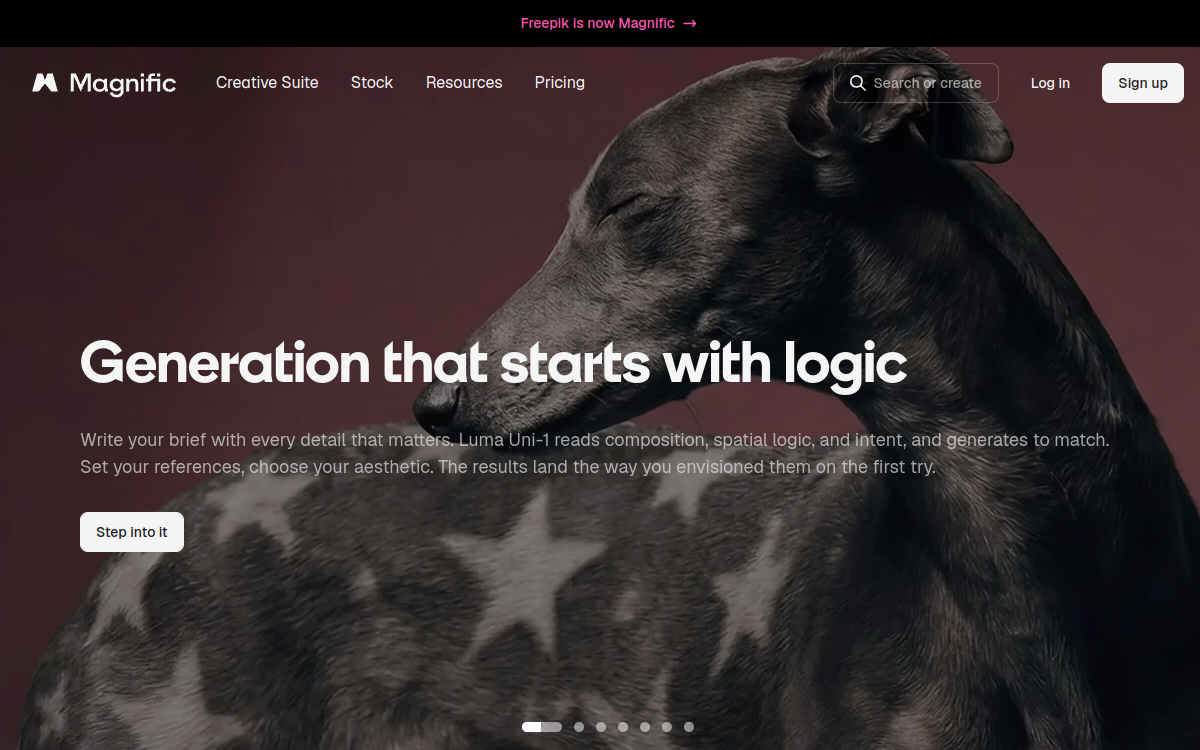
Freepik AI brings together image generation and design tools integrated into the Freepik ecosystem. You create visuals from text, perform edits (editing, removing elements), perform upscaling, and produce mockups quickly. Ideal for feeding marketing content, social networks, and branding, while leveraging a vast resource library.
What is Freepik AI?
The essentials
Freepik AI is Freepik’s suite of AI tools dedicated to creating and improving images. It combines multiple functions: generating images from a prompt, assisted retouching, resolution enhancement (upscaling), and creating ready-to-use visuals for marketing contexts (for example through mockups).The goal is to simplify the workflow for creatives. Instead of generating an image, then exporting it to another tool for retouching or putting it in context, Freepik AI offers a more direct path, connected to a resource library. This suits particularly “production” needs: create quickly, create variations, adapt a visual to a format, and get an exploitable version.In practice, Freepik AI is aimed at designers, marketers, agencies, and SMEs who want to produce more visual content, with speed and consistency logic, while keeping the option to refine with more advanced tools if necessary.
Key features
Freepik AI groups features focused on creation and optimization. The foundation is generating images from text: you describe a concept, style, mood, or product, and the tool offers several results. The next step is iteration: adjust prompts, generate variations, and converge on a useful render.Assisted retouching allows you to modify an existing visual: enhance certain elements, clean up an area, remove an object, or adjust appearance for a cleaner version. Upscaling serves to increase resolution and sharpness for marketing use, presentation, or light printing, as needed.A strong point of Freepik AI is the “production” integration: the ability to prepare visuals for recurring formats (social, banners, product pages) and associate them with Freepik resources (templates, graphic elements, icons). Finally, the credit/quota-based operation (depending on plan) imposes production management: you optimize trials and structure your prompts to avoid unnecessary consumption.
Use cases
Freepik AI is particularly effective for marketing visual production. Teams can quickly create images for social media posts, advertising banners, landing page visuals, or campaign materials, then create multiple formats and variations. It’s also very useful for branding: generating graphic universes, style illustrations, and assets consistent with a charter.In e-commerce, Freepik AI serves to create product mockups, visual staging, and collection visuals, accelerating content creation for product sheets, marketplaces, and newsletters. For agencies, the interest is twofold: quickly generate concepts and produce series of visuals for clients without multiplying tools.Finally, for creators and media, Freepik AI helps illustrate articles, produce thumbnails, or create editorial visuals. This is particularly convenient when publication pace is high and you need to vary formats without sacrificing visual consistency.
Advantages
The major benefit of Freepik AI is workflow continuity. Generation, retouching, enhancement, and staging can flow quickly, reducing time between idea and a ready-to-use visual. For a marketing team, this translates to more creative tests, more variations, and better responsiveness.Second advantage: integration into the Freepik ecosystem. By combining AI and a resource library, you can enrich a visual with graphic elements, accelerate creation of standard formats, and produce consistent designs.Third strength: accessibility. The tool is generally easy to learn, allowing non-designer profiles to prototype ideas, while letting designers finalize.Finally, Freepik AI facilitates industrialization: by structuring prompts, styles, and formats, you can build an efficient production routine for social, ads, e-commerce, and brand content.
Pricing
Freepik AI is offered through Freepik plans that include access to AI features, with quota/credit logic depending on subscription. Price depends on chosen plan and usage intensity: occasional use can settle for an entry-level plan, while regular production will require more credits.In practice, formulas often fall in the “premium” range of creative services, with monthly and annual options. The benefit of a higher plan is more flexibility: more generations, more iterations, and more comfortable production use.To choose, the right method is to estimate your creation pace (number of visuals per week), need for variations, and importance of upscaling/retouching. This will help you select the appropriate credit level, without overpaying.
Conclusion
Freepik AI is a solid choice for quickly producing visuals, especially if you’re looking for a “production”-oriented solution connected to a large resource library. Generation, retouching, upscaling, and mockups flow smoothly, making it ideal for marketing, branding, and e-commerce.Its limitations are those of many integrated tools: quality can vary by style, series consistency requires good prompt mastery, and fine control is less than advanced retouching software. Credits/quotas also impose usage discipline.If your goal is to industrialize visual content creation, save time, and multiply variations, Freepik AI is a very competitive and practical daily option.