



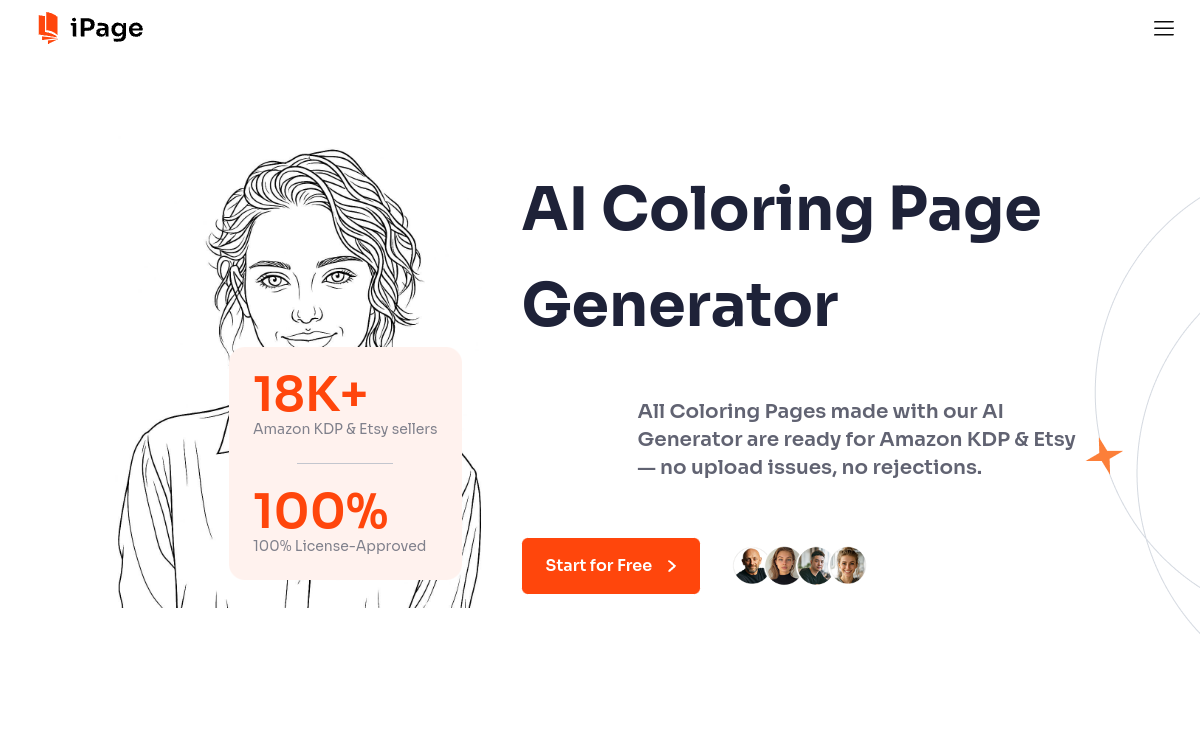
iPage AI is a coloring page generator that transforms text or photos into line drawings ready for printing. Ideal for creating educational worksheets, children’s activities or a coloring book (PDF/PNG export). The tool focuses on print quality, watermark removal depending on the offer and features like batch mode and upscaling to accelerate production.
What is iPage AI?
The essentials
iPage AI is an AI-powered coloring page generator. It allows you to produce black and white illustrations from two main inputs: text (prompt) or image (photo). The result is a line drawing, usually optimized for printing and coloring. The tool also highlights a “productivity” logic with options such as batch mode, coloring book creation and exports suitable for common uses (PDF/PNG). The goal is not to replace complete illustration software, but to offer a quick, repeatable and accessible starting point for everyone. For users, this means being able to generate consistent series (themes, events, first names) and easily feed educational activities or content to publish on marketplaces.
Key features
iPage AI brings together several “coloring” oriented modules. First, generation from text: you describe a scene, character or theme, and the tool provides a matching coloring page. Next, photo conversion: you upload an image and iPage AI extracts a line drawing from it; quality depends on sharpness, contrast and subject simplicity. To industrialize creation, the tool offers batch mode (series generation) and a coloring book generator, useful for assembling thematic packs. PDF and PNG exports make printing, sharing or integration into a digital file selling workflow easier. Some plans include additional options like upscaling to improve results from photos, watermark removal and online editing/painting functions (brushes, palettes) to color directly in the browser.
Use cases
For education, iPage AI allows you to quickly create printable worksheets: animals, alphabet, professions, historical or geographical scenes, adapted to a school level. Parents can generate personalized activities (a favorite theme, a birthday, a first name) and prepare batches to print for occupying children. For creators, the tool is useful for producing coloring page packs for sale: printable digital files, thematic bundles, or notebooks to publish via platforms like Amazon KDP. Graphic designers and content managers can also exploit it for marketing freebies (downloadable PDFs) or branded activities at events. Finally, associations and youth organizations can create animation materials from reference images or local themes, without mobilizing an illustrator at each iteration.
Advantages
The main benefit is time savings: you go from an idea to a usable render in minutes. iPage AI reduces creative friction, particularly for those who don’t master drawing or page layout. PDF/PNG exports simplify the path to printing and avoid technical manipulation. Features oriented towards production (batch, books) help create series and maintain visual consistency, essential for sellable packs. The module-based approach (text, photo, names, events) covers both “leisure” and “business” uses. Finally, availability in multiple languages facilitates access to the tool for diverse audiences and international needs, which can matter if you sell digital products in English-speaking or multilingual markets.
Pricing
iPage AI generally offers a free option and monthly subscriptions. The entry level starts around $6.99/month, with monthly generation quotas and features oriented towards personal use. Intermediate plans increase volume (for example a few hundred pages per month) and enhance support. More advanced offers significantly increase capacity (up to several thousand pages monthly) and can include commercial use, longer book generation, watermark removal and options like batch mode. To choose, start with your goal: occasional activity → basic plan; regular pack production → pro plan; large volume and mass sale → business plan.
Conclusion
iPage AI is particularly relevant if you’re looking for a simple, fast coloring page generator designed for printing. Its appeal increases as soon as you need series (themes, events, packs) thanks to batch mode and book generation. For education and children’s activities, it’s a practical solution that avoids manual drawing. For creators, it’s an accelerator for producing printables and testing niches. However, keep in mind that quality depends heavily on inputs (photo/prompt) and that fine artistic control will remain limited compared to complete illustration software. By combining iPage AI with a light touch-up step, you get an efficient and easily industrializable workflow.