



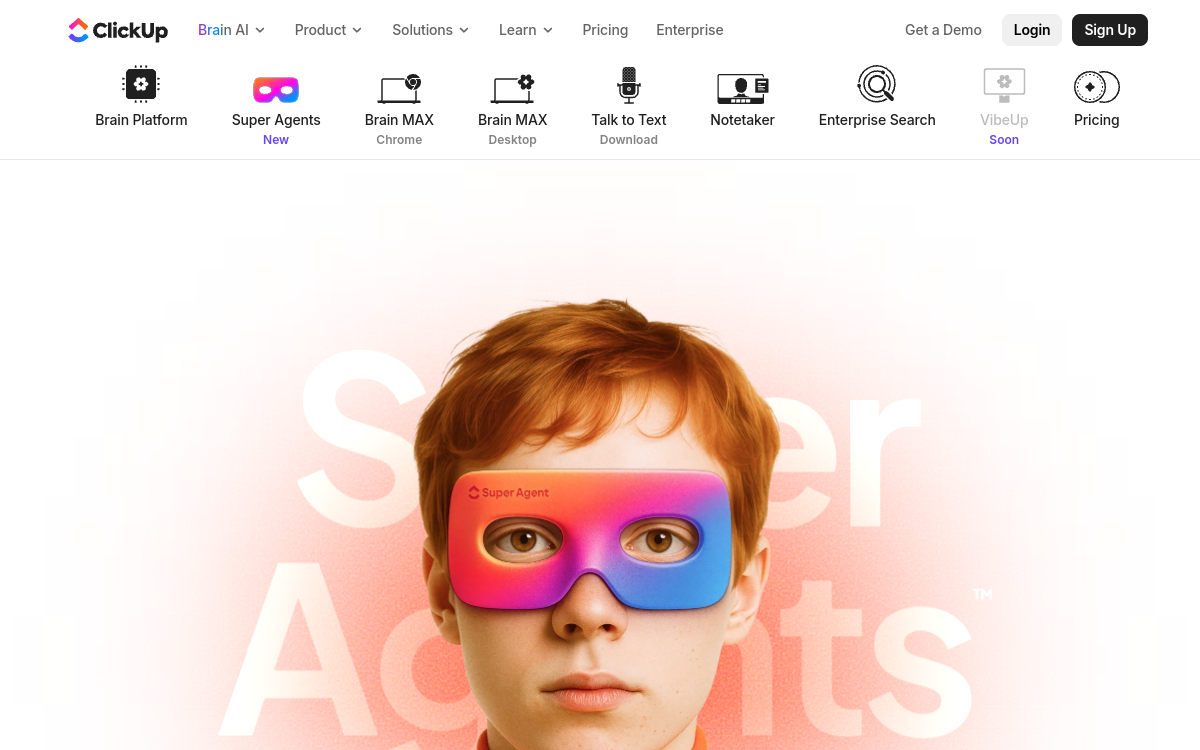
What is ClickUp Agents?
The essentials
ClickUp Agents refers to AI agent capabilities built into ClickUp Brain, designed to act within your Workspace. Concretely, an agent is configured to intervene in one or more locations (Spaces, Folders, Lists, Chat) and triggers based on events and conditions, much like ClickUp automations, but with a contextual dimension.These agents can draw on available knowledge (documents, tasks, conversations, depending on permissions), understand a request, produce content (responses, summaries, drafts) and execute actions (create/assign a task, comment, propose an update). The idea isn’t to replace project management, but to boost execution speed by reducing back-and-forth and manual entry.
Key features
ClickUp Agents rely on several building blocks. First, no-code configuration: you define where the agent can act, what sources it can consult, and what actions it’s authorized to perform. Next, trigger logic: based on an event (message, task creation, status change, user request), the agent can evaluate conditions and decide on the most relevant action.Agents can also generate useful text: contextualized responses in Chat, rephrasing of a request, summary of a discussion thread, or proposed execution plan. On projects, they help transform unstructured information into actions: task extraction from a report, subtask creation, checklist preparation and prioritization.Another key feature is the “real work” focus: the agent doesn’t just make conversation, it acts directly in the team’s production tool. Finally, ClickUp emphasizes security and permissions: the agent inherits rights and shouldn’t access private spaces without explicit authorization, which is crucial for enterprise use.
Use cases
ClickUp Agents are particularly effective for teams managing lots of incoming requests. For example, an agent can handle internal support messages or business team requests, ask for missing information, then automatically create a complete task with description, priority and owner.Another use case: meeting management. From notes in a doc or chat exchange, the agent can extract actions, create assigned tasks, add deadlines and publish a summary. In project management, it can help maintain hygiene: follow up on blocked tasks, propose a status update, or verify that a deliverable has its acceptance criteria.Marketing and product teams can also use it to accelerate execution: turn a brief into a content plan, create production tasks, and standardize recurring processes (launch, QA, publication). Finally, for managers, an agent can prepare weekly summaries, list risks and dependencies, and propose next steps.
Advantages
The primary benefit is saving time on coordination. Where a team member spent 15 to 30 minutes structuring a request, creating tasks and following up with stakeholders, the agent can prepare a first draft in seconds. This also improves quality: same standards, same key information, fewer oversights.Agents reduce friction between communication and execution. Teams don’t just discuss: they convert exchanges into actions faster. This translates into shorter cycles, fewer “phantom” tasks and better visibility on progress.Another advantage: intelligent automation. Rather than create a rule per exception, the agent can handle some ambiguity and propose decisions, while staying bounded by permissions and configuration. Finally, native integration into ClickUp limits the need to stack multiple tools, simplifying the stack and adoption.
Pricing
ClickUp Agents is part of ClickUp’s AI ecosystem (ClickUp Brain). Pricing typically depends on the ClickUp plan and activation of an AI offering (add-on or AI plan). The model is usually per user, with tiers determining available capabilities, presence of autopilot/agent features and usage limits.To choose, start from your operational reality: how many people will actually use agents, and which processes will be automated. If the goal is to summarize, write and extract tasks occasionally, an entry-level AI formula may suffice. If you want agents acting continuously across lists, chats and critical workflows, you need an offering including agent/autopilot features, then validate total cost per user at the Workspace level.
Conclusion
ClickUp Agents targets teams wanting to automate operational work, not just generate text. By combining triggers, context and actions in the management tool, they let you transform exchanges into concrete tasks faster, improve project hygiene and reduce follow-ups.To succeed, start with one or two high-volume workflows (incoming requests, debriefs, follow-ups) and clearly define scope, permissions and authorized actions. If your organization lives in ClickUp and wants to speed up execution without multiplying tools, ClickUp Agents is a solid and coherent option.