


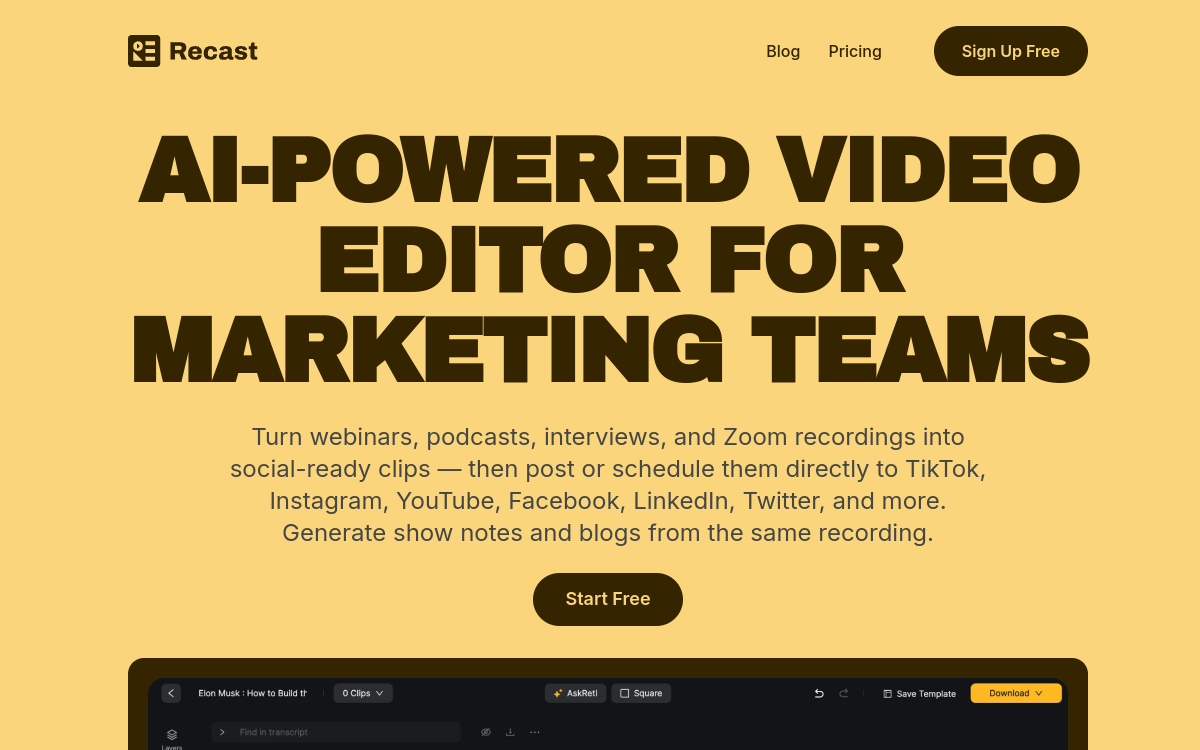
Recast Studio is a content repurposing tool that automatically converts your podcasts, webinars or long videos into short formats adapted to social networks. AI identifies the most engaging moments, generates subtitled clips, carousels and ready-to-use posts. The goal is to help creators and marketing teams maximize the reach of each piece of content without multiplying hours of editing and writing. Ideal for B2B content strategies, inbound marketing or personal branding.
What is Recast Studio?
The essentials
In practice, Recast Studio allows you to import video or audio files, or connect to certain platforms to retrieve recordings. The AI then analyzes the content to identify the most interesting passages according to different criteria, such as information density, tone or message clarity. From these segments, the tool proposes short video clips, formats adapted to social networks, as well as texts accompanying publication. The user can refine the proposals, validate certain extracts and adjust visuals or wording. The service aims to integrate into an editorial workflow where each long-form content becomes the source of numerous micro-contents.
Key features
The main features of Recast Studio include automatic extraction of key moments, generation of video excerpts in different formats, creation of texts for social captions, generation of carousels and, depending on offers, integrations with podcast or webinar distribution platforms. The tool also handles subtitling of video excerpts, which is crucial for mobile consumption. Some plans offer collaborative functions for teams, exports in superior quality and publishing templates for different platforms. The modular approach allows you to select the types of content you want to generate from a single recording.
Use cases
The use cases for Recast Studio focus primarily on podcast creators, webinar organizers, infopreneurs and B2B marketing teams. A podcast episode can thus give rise to a dozen video clips, as many LinkedIn carousels and several text posts. Webinars or product demos can be transformed into educational excerpts or teasers for future sessions. Marketing managers can schedule these contents over several weeks, allowing them to maintain a regular presence on social networks without multiplying shoots.
Advantages
One of the major advantages of Recast Studio is the time and energy savings on the content exploitation phase. Rather than leaving a webinar to be seen only once live, teams have numerous reusable excerpts to feed their content strategy. The tool also helps maintain consistency of messages, as the excerpts come directly from reference content. By automating part of the repurposing, Recast Studio allows teams to focus on strategy, source content quality and relationship with their audience.
Pricing
Recast Studio generally offers several pricing plans, including a trial or freemium formula allowing you to test content generation from a limited number of sources. Paid offers differ by volume of content processed, access to advanced features and collaboration options. Pricing remains attractive for creators and companies that already produce regular long-form content and want to maximize return on investment.
Conclusion
In conclusion, Recast Studio is a relevant solution for players who rely on podcasts, webinars and long videos but lack resources to adapt them to all their channels. It does not replace creative work on brand identity or editorial direction, but it provides an automated foundation for feeding social networks and content marketing. In an AI tools comparison, Recast Studio naturally finds its place among repurposing-oriented solutions, particularly attractive for B2B profiles and creators seeking scalability.