



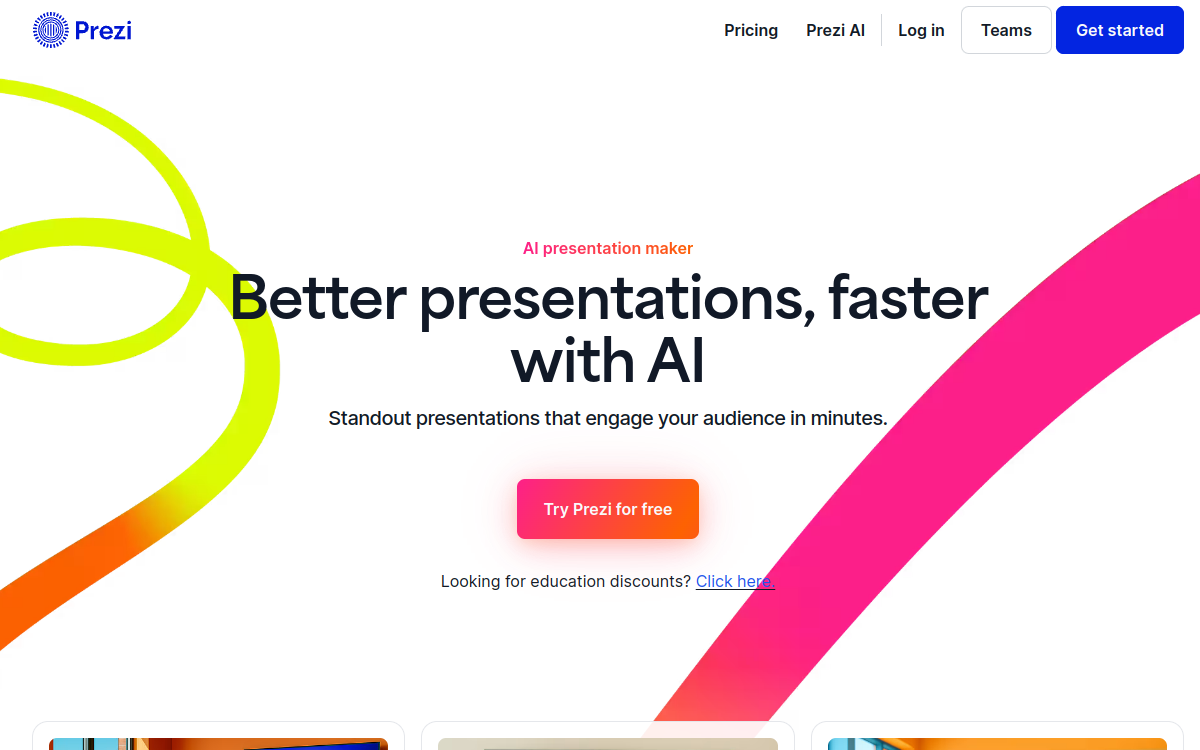
Prezi is a presentation platform focused on visual storytelling: dynamic canvas, zoom effects, pro templates, and video integration to capture attention. It helps structure a speech, create modern supports, and animate remote meetings. With its collaborative functions and interactive rendering, Prezi is suitable for teams that want slides more lively than the classic format.
What is Prezi?
The essentials
Prezi is a platform for creating and presenting presentations centered on visual storytelling. Its principle is to work on a single surface (a canvas) that allows you to zoom, unzoom, and move between ideas, rather than going from one slide to another in a linear fashion.This approach facilitates understanding the relationships between concepts: you can present an overview, then enter the details, then return to the big picture. This is particularly suitable for subjects that require clear structure, a narrative thread, and rhythm.Prezi offers ready-to-use templates, graphic themes, and collaboration features. It is used by marketing teams, salespeople, teachers, and creators who want to offer more dynamic supports.The tool positions itself as an alternative to classic slideshows, emphasizing impact and engagement, while remaining accessible to non-designers thanks to templates and reusable components.
Key features
Prezi offers several key building blocks for creating engaging presentations. First, the dynamic canvas: you place your content (titles, images, information blocks) and define a presentation path. Zoom transitions allow you to guide the audience without losing the thread.Next, templates and themes: they accelerate page layout and ensure modern rendering. You can adapt colors, typography, and structure to match your branding. Visual elements and formatting are designed to tell a story rather than simply “display” information.Prezi also facilitates remote presentation, with modes adapted to video meetings. Online sharing allows you to broadcast an interactive presentation that can be viewed as a document. Collaboration options (comments, co-editing depending on plan) help teams produce supports together.Finally, export and distribution modes allow you to use Prezi in different contexts: courses, pitches, conferences, webinars. The idea is to maintain a lively presentation, easy to update and pleasant to follow.
Use cases
Prezi is particularly suited to pitches and business presentations, where the goal is to capture attention, structure a message, and guide toward a conclusion. Visual navigation helps tell a story: problem, solution, proof, offer, next steps.In training and education, Prezi serves to make a course more interactive. You can start with an overview of the chapter, then zoom in on each section. This improves understanding and memorization.For webinars and product presentations, Prezi brings rhythm. Demonstrations, key arguments, and use cases can be presented more fluidly than a strictly linear slideshow.Finally, internally, Prezi is useful for strategy, project, or reporting presentations, especially when you want to show links between subjects. Online sharing also allows you to reuse the presentation as a consultable resource after the meeting.
Advantages
The main benefit of Prezi is impact. Thanks to the canvas and zoom, the audience follows the narrative thread better and more easily understands relationships between ideas. This is an asset for persuading, teaching, and engaging.Prezi also saves time through its templates. Even without graphic skills, you quickly get a professional and modern rendering. This reduces the page layout load and allows you to focus on the message.Another advantage: flexibility in person and remotely. The distribution and sharing modes adapt to meetings, courses, webinars, and product presentations. The presentation can live: update, reuse, asynchronous consultation.Finally, collaboration facilitates teamwork. Communication supports are often built together; Prezi helps centralize content and iterate faster, with a clear narrative structure.
Pricing
Prezi offers individual subscriptions and team offerings. Pricing depends on features: advanced templates, collaboration, sharing options, and privacy. Entry-level pricing generally sits around twenty dollars per month, with higher packages for more intensive use.Annual billing often has discounts. Team offerings add management, collaboration, and control functions, useful in enterprise or agency context.Prezi generally offers a trial or limited access to discover the tool, but full capabilities (export, advanced options, collaboration) are reserved for paid plans. To choose, the simplest approach is to assess your need: presentation frequency, video use, need for export, teamwork, and confidentiality level.
Conclusion
Prezi is a relevant solution for those who want more lively, narrative, and memorable presentations. Its dynamic canvas and transitions structure the speech and improve engagement, particularly for pitches, courses, and webinars.The tool does require skilled use: too many animations can harm comfort. It can also be less “standard” than classic formats in some corporate environments.If your goal is to improve the impact of your presentations and strengthen your storytelling, Prezi brings a real differentiator. With solid templates and reasonable use of zoom, it allows you to produce modern, effective, and convincing supports.